Viewing Administrator dashboard
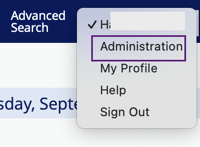
To manage your MFT site, select Administration from the top-right drop-down menu.
info
This option displays only for users with Administrator privileges.
The administrator dashboard and navigation tree display.
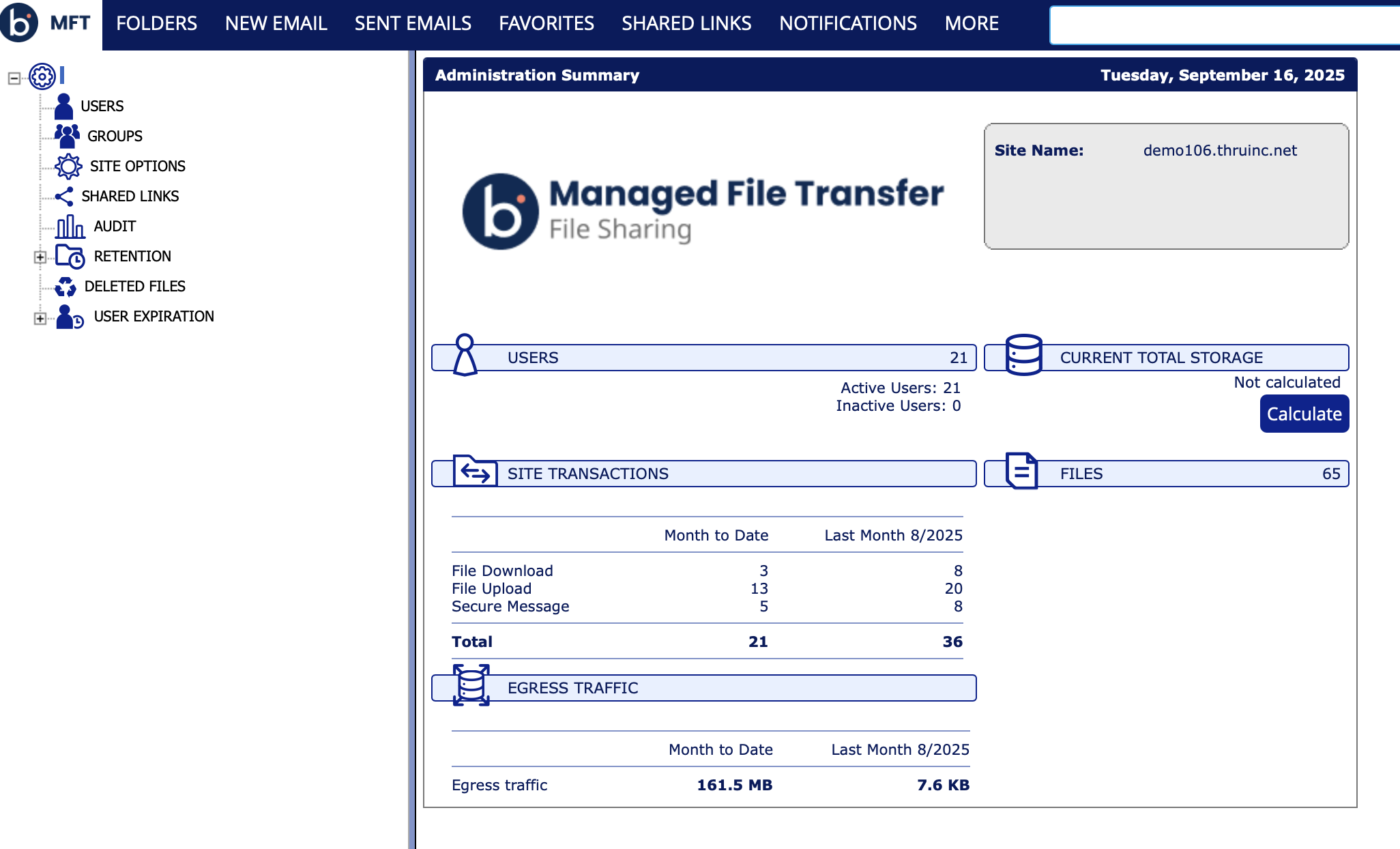
The left-side tree view acts as a control panel for your MFT site management. Clicking its links navigates you to different customization sections.
The administrator's dashboard summarizes your site's status, including:
- Active user count
- Storage space usage
- Total file count
- Transactions
- Egress Traffic - Summary of traffic from the file-sharing site for the current and previous month.
