Deleting or deactivating a user
Deleting or deactivating a user is useful when users have parted with the company and no longer need access to your site.
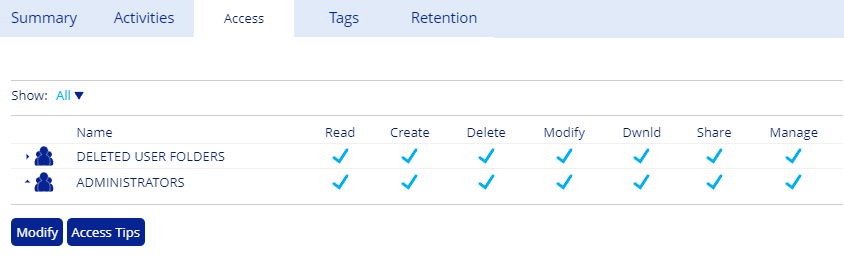
When you delete a user, the system saves their "HOME" folder documents to the Deleted Users Folder in Groups. This folder is accessible only by administrators.
When you deactivate a user, you remove their access to the MFT site without deleting their account. You can reactivate the user any time.
Deleting a user
From User Management, select the checkbox next to the user you want to delete, then click Delete.
Deleting a user revokes their site access.
Deactivating a user
From User Management, select the checkbox next to the user you want to deactivate, then click Deactivate.
Deactivated users cannot log in. To restore access, select the user and click Activate, which allows them to log in with their credentials again.
