Managing users
The User Management page shows current site users and provides options to create and manage all user accounts.
- Navigate to your File Sharing site.
- Click your account name in the upper-right corner and then select Administration.
- Click Users from the left side panel.
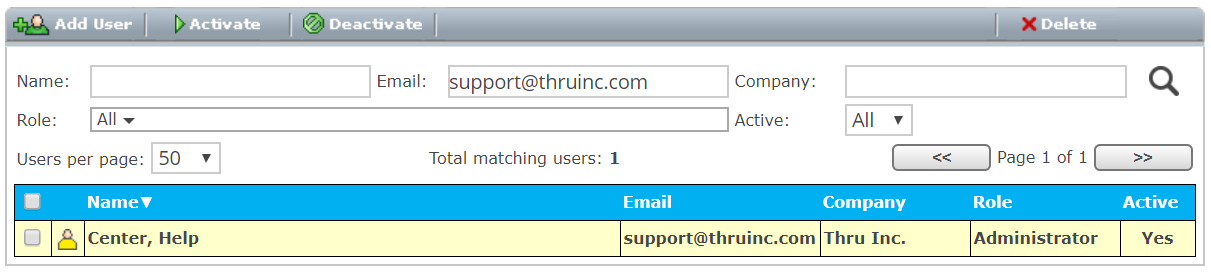
From the user management page, you can:
- Add new users
- Remove users
- Activate or deactivate users
- Manage guest users
- Activate mobile access
- Update user profile information
- View details about user storage usage
