Introduction
Boomi Managed File Transfer (MFT) is a business-oriented virtualized file system for secure file sharing. You can seamlessly share large files with internal teams and external stakeholders and have direct file/folder access, management, and transfer from Office 365, Outlook, and Salesforce applications.
Accessing and managing files with control
MFT simplifies the process of accessing your online content from a variety of applications and web browsers. You can share your content with any member of your MFT site by adjusting the access settings for each of your folders.
Key features:
- Access Boomi Boomi Managed File Transfer via your web browser.
- Use MFT mobile application to open and edit files from iOS devices.
- Use MFT Explorer desktop application to access your MFT files and folders directly from your desktop without signing into the browser. You can get MFT Explorer when you download MFT's Add-in for Outlook.
- Work within your mailbox with the Side Panel feature of MFT's Add-in for Outlook. With the Side Panel, you can upload and download files to and from your MFT file system, send files to team members, drag and drop Outlook emails, and more.
Sending files securely
You can securely send substantial files and folders from your desktop, web browsers, business applications, and email clients.
Go to the download page to download MFT desktop apps and add-ins.
Key features:
-
Enhance security and implement policy-driven access by requesting recipients to log in for file downloads, setting expiration dates, and more
-
Send files from any web browser with the MFT web application
-
Send email attachments of any size using MFT Add-in for Outlook
-
Send sales files securely by using MFT Add-in for Salesforce
noteYou add the MFT Add-in for Salesforce to your Salesforce account, contact your account representative.
Receiving files from external users using MFT Dropbox
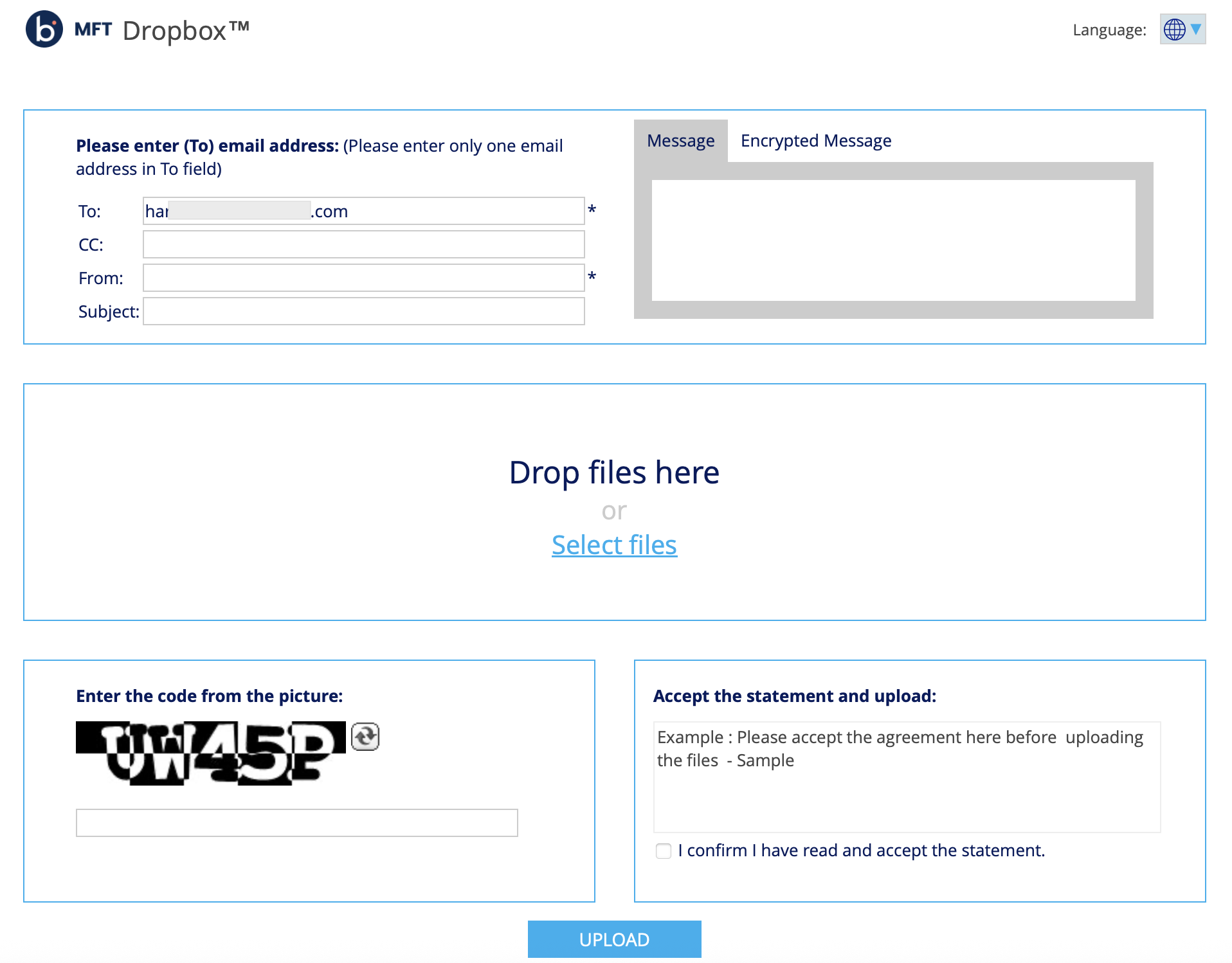
If you need to securely receive large files from users without an MFT account, you can generate a link to your MFT Dropbox that you can share via email signatures, web portals, or any platform that supports hyperlinks.
After users upload files to your MFT Dropbox, you receive an email notification informing you that new files have been added.
To learn more about creating a link to your MFT Dropbox, refer to Using MFT Dropbox.