Process Properties
Process Properties provides consumers a more customized experience while installing a Spaces solution. When running a process with process properties variables (as inputs), based on the datatype configured by your admin for any field, you can use:
- Visual cues for filling values: The interface provides visual cues like a date chooser, a dropdown for allowed values, a simple checkbox for Booleans, and default filled values for any field (if configured by your admin).
- Help text for fields: If help text has been configured by your administrator, you can hover over the information icon to view the tooltip and click the icon to reveal the full help text.
- Input field validation: You will be alerted in case of potential data type mismatch, based on the configured field type.
For detailed information on Process Properties, refer to Process Properties.
On the process properties configuration page:
- Input new values for the process property fields. Leave any fields blank to use the default value configured by the Space Admin.
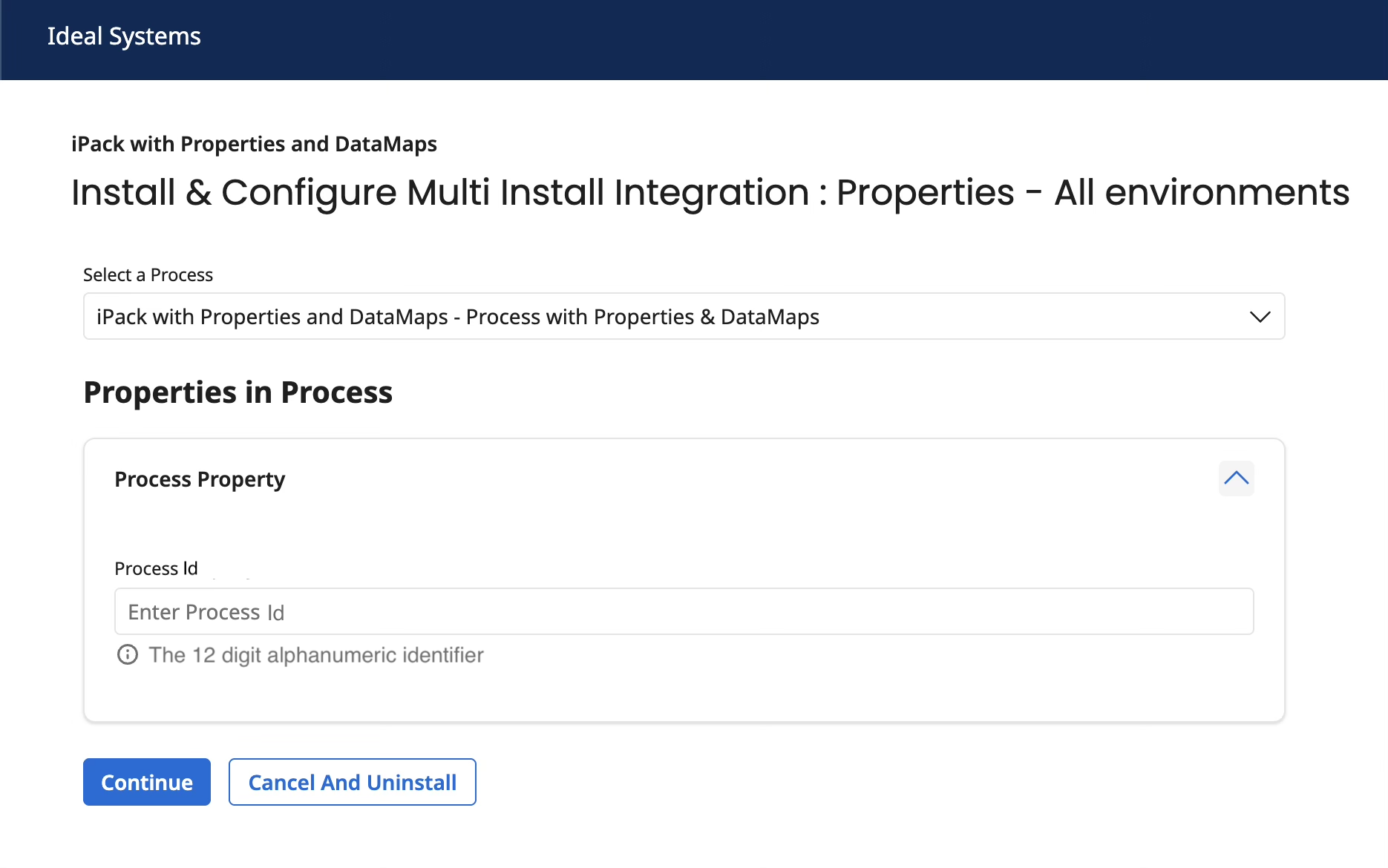
- Click Continue to proceed to the next page.
