Configuring extensions
You can configure processes with one or more of the following extensions in the Spaces UI:
- Connections with OAuth
- Process Properties
- Data Maps
Connections with OAuth
OAuth Connections utilize a two-step verification process to ensure secure connections. As an end user, you can directly generate Access Tokens within the Spaces UI to ensure a secure connection while using OAuth connectors.
Spaces support multiple processes, connections (with or without OAuth), and multiple environment configurations, allowing you to install the Integration Pack with customized configurations.
If you have chosen the option to use different configurations in each selected environment during installation, you need to configure the connection properties for the other environments.
For more details about OAuth 2.0 connection, refer to OAuth 2.0 Authorization.
Process properties
Process properties are name/value pairs that store information to assist with your Integration.
Process property fields vary according to values configured during process creation.
For detailed instructions on configuring the Process properties, refer to Process Properties.
Data maps
Data maps allow you to map additional fields for integration. While the admin preconfigures this during process creation, you can update or modify the mapping configuration as per your requirements. The Data maps page displays the SOURCE FIELDS, FUNCTIONS, and DESTINATION FIELDS.
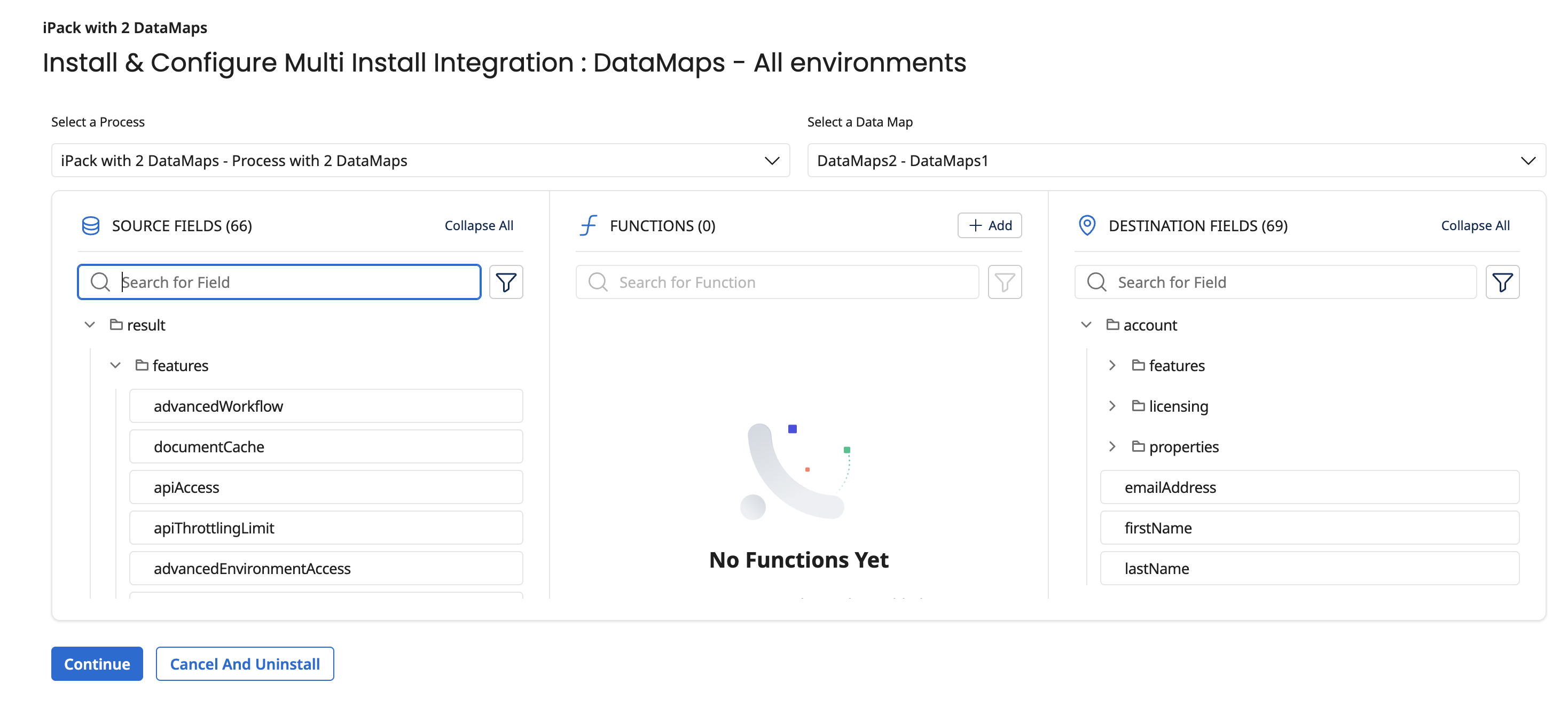
For detailed instructions on configuring the Data Maps, refer to Data Maps.
